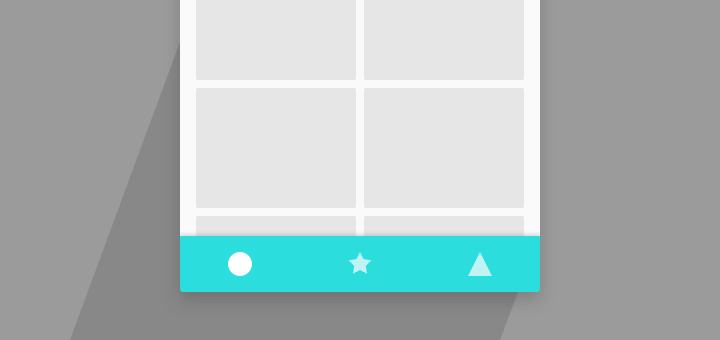
One of the newest additions to the Material Design is the Bottom Navigation Bar. Its like the TabBar you see on iOS, and similar in functionality too.
(more…)Author: Suleiman
-
Bottom Sheet with Android Design Support Library
Version 23.2 of the Android Support library is a huge update. The Design Support Library made Material Design easy. The new update made it a step easier by adding my personal favorite, Bottom Sheet! In this post, we’ll look into making just that.
-
Swipe to Dismiss for RecyclerView with ItemTouchHelper
A hidden gem in Android Support Library, is the built in Swipe to Dismiss functionality.
Using the ItemTouchHelper class, we can add this to a RecyclerView.
- Create a SimpleCallback
ItemTouchHelper.SimpleCallback simpleCallback = new ItemTouchHelper.SimpleCallback(0, ItemTouchHelper.LEFT | ItemTouchHelper.RIGHT) {

        @Override
        public boolean onMove(RecyclerView recyclerView, RecyclerView.ViewHolder viewHolder, RecyclerView.ViewHolder target) {
            return false;
        }

        @Override
        public void onSwiped(RecyclerView.ViewHolder viewHolder, int direction) {
            //Remove swiped item from list and notify the RecyclerView
        }
    };
The onSwiped() method is where you should remove the item. Don’t forget to notify your RecyclerView!
2. Finally, create an ItemTouchHelper instance and attach it to RecyclerView.ItemTouchHelper itemTouchHelper = new ItemTouchHelper(simpleCallback); itemTouchHelper.attachToRecyclerView(recyclerView);
-
Onboarding with Android ViewPager: The Google Way
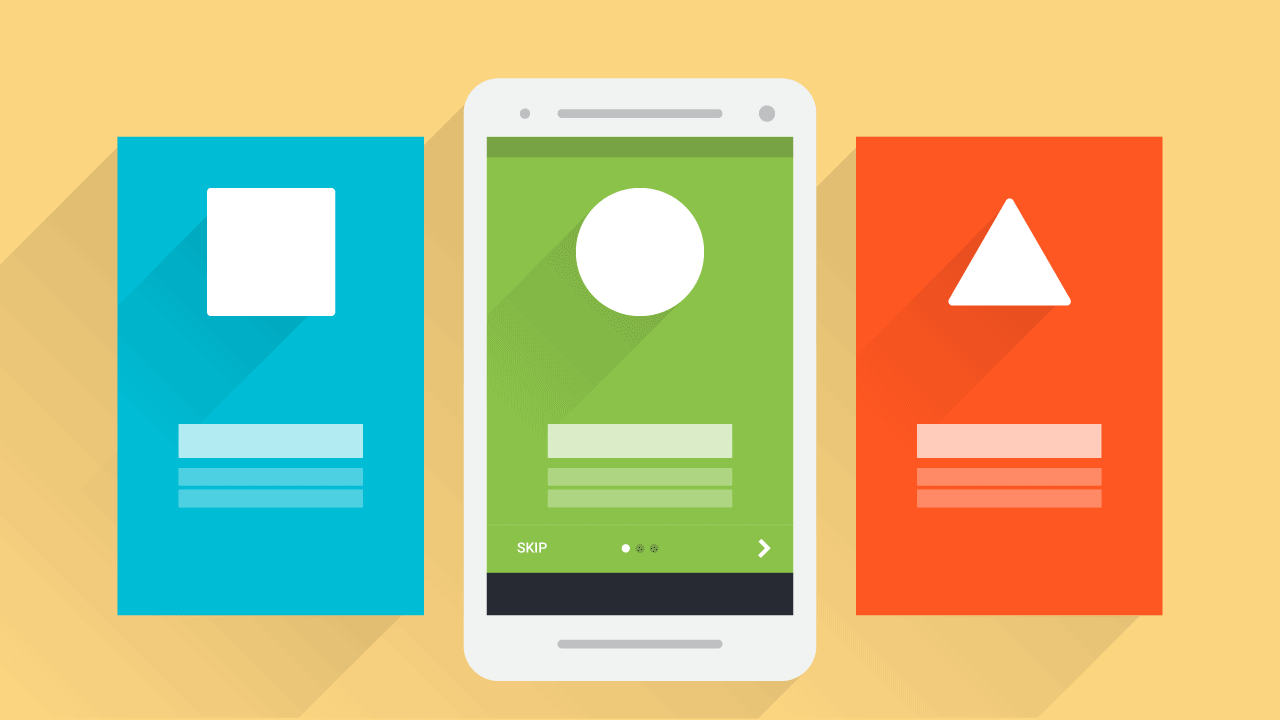
In this tutorial, learn to create an onboarding experience for your apps with Android ViewPager. Similar to the product tour app intro in Google Drive app.
When you launch an app for the first time, you see the onboarding experience. It displays slides, highlighting features about the app with vibrant imagery. Let’s make one for our app, the way Google does for theirs.
-

Runtime Permissions – Android Marshmallow Tutorial
Runtime Permissions is a new permission model introduced in Android Marshmallow 6.0. Users are able to grant permissions during the app’s runtime, rather than during app install. Let’s look at leveraging the new runtime permissions for Android Marshmallow.
-
Google Chrome Custom Tabs Android Tutorial
Android Marshmallow introduced Chrome Custom Tabs. This allows us to load Web URLs natively from within our app. It leads to a more faster experience, with customizable options making Chrome Custom Tabs more akin to our app’s branding.
-
How to create an Image Gallery App with Glide – Android Tutorial
Let’s look at how fast we can create a simple image gallery app in Android using Glide. An image loading and caching library which takes care of almost everything for us.
-
Using Vector Assets for Icons in Android Studio 1.4
Since Android Studio 1.4, we can use Vector Assets which was earlier restricted to Lollipop alone. This is more efficient since one drawable which requires multiple instances saved in different density folders will now be replaced by just ONE single vector asset inside res/drawable/
-
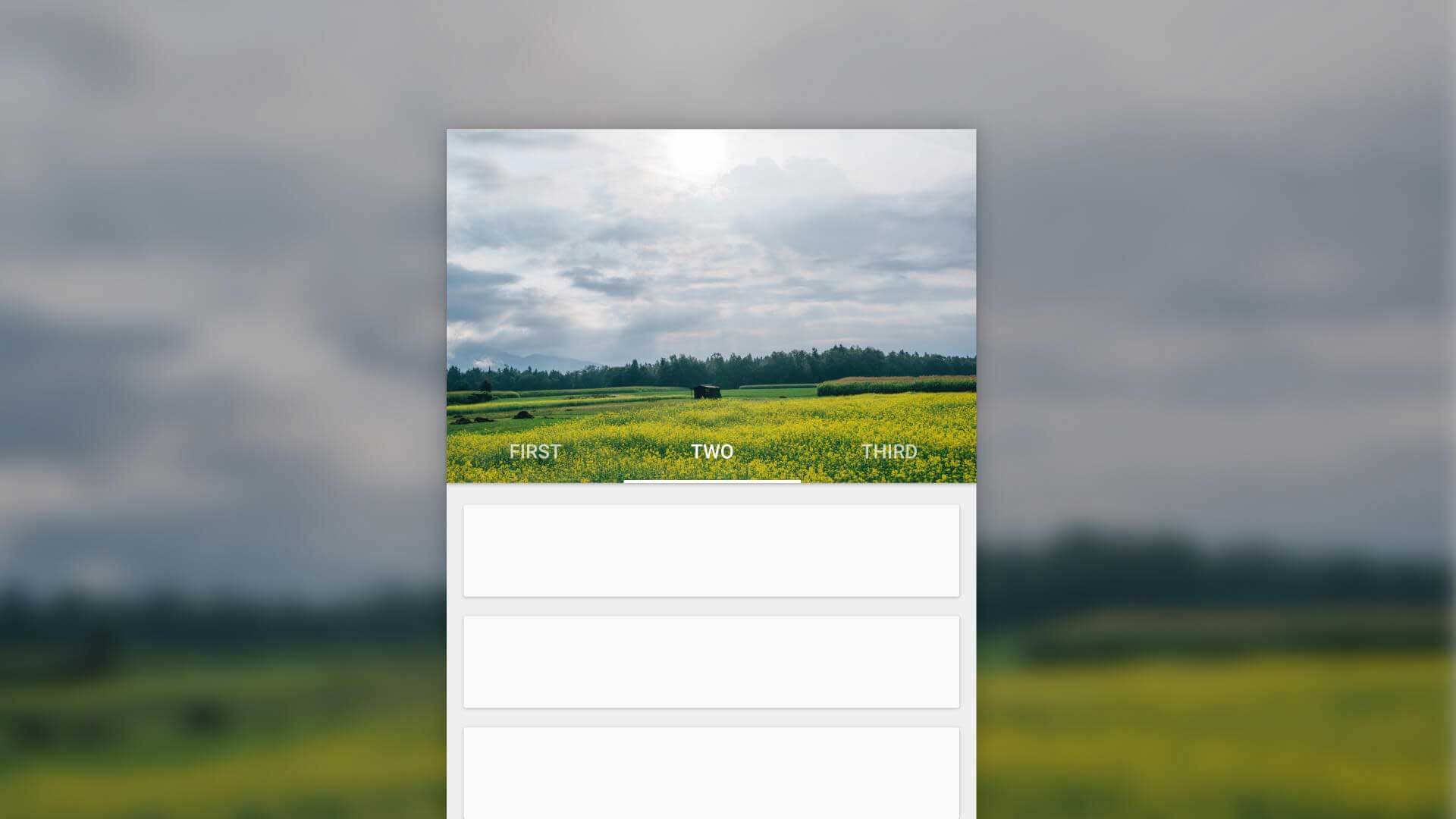
Parallax Scrolling Tabs with Android Design Support Library
Material Design has seen the rise in on-scroll animations in Android apps.
Certain designs include a parallax scroll effect with a header images, along with Tabs. In this post, we’ll look at just that.Parallax scrolling is a popular pattern. Previously we’ve seen such examples with the Flexible Space with Image and Quick Return pattern. In this post, we’ll look at making parallax scrolling Tabs using Android Design Support Library.