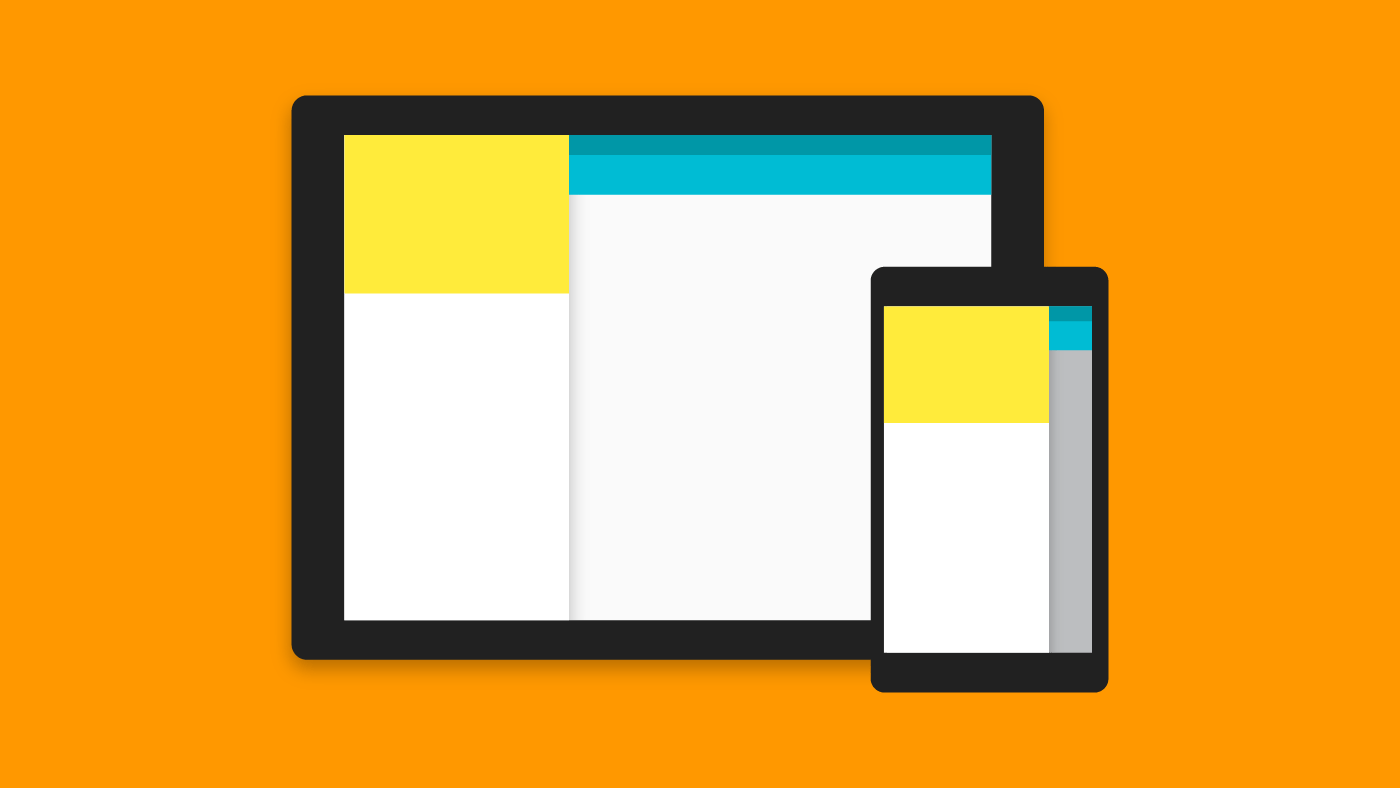
So far we’ve seen use cases for popular design patterns restricted to a handset only. Now let’s look at applying Material Design for Tablets in Android app development.
Author: Suleiman
-
Overlap a Transparent Status Bar
There’s a lot going on about making your Status Bar transparent for your Activities. But most of the time, its easier said than done and if
android:fitsSystemWindows = "true"doesn’t work for you, then there is another way. -
Create Gmail Style List in Android
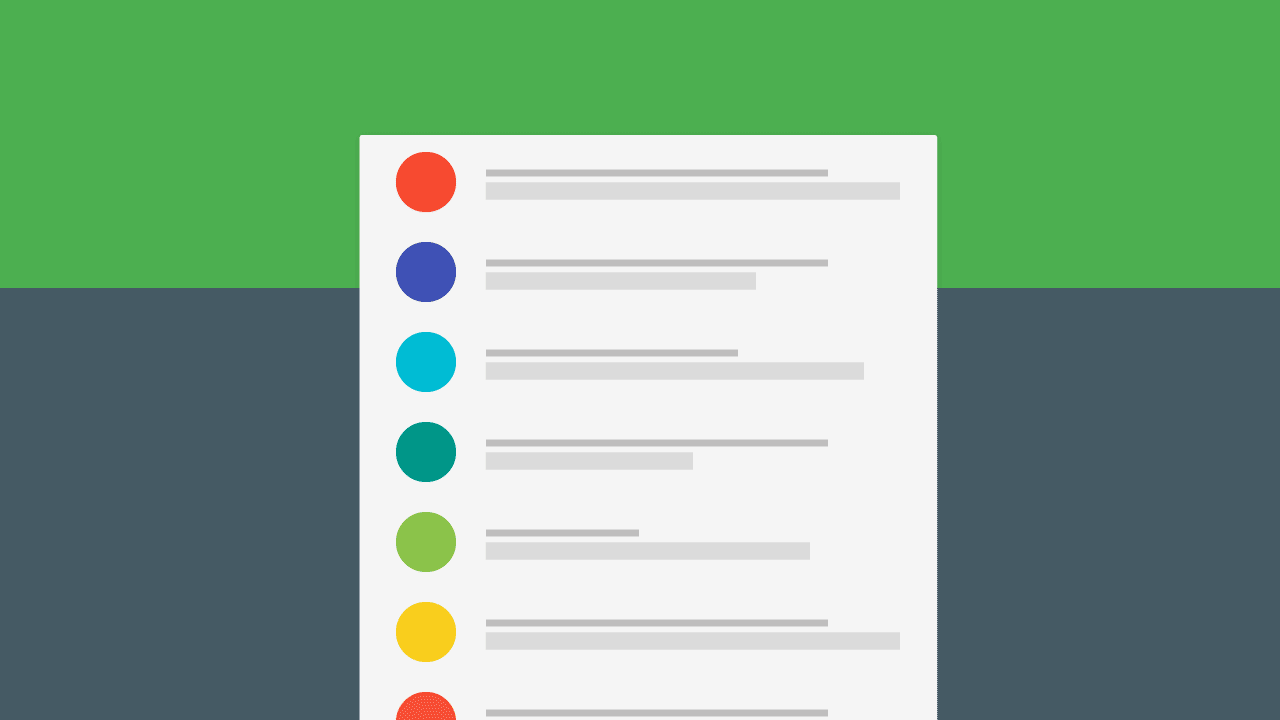
I’m sure all of you would have noticed the list style in the Gmail app for Android. The placeholder for a person’s photo is their first letter accented with a nice color. In fact even the stock Contacts app and the new Inbox by Gmail has a similar style.
-
My Experience with the Moto G 3rd Gen
I was looking to get a new phone for a while and wasn’t sure what to get. I heard rumors about the Moto G 3rd gen (Moto G3), and decided to wait. The wait was worth it.
-
Make an Android Splash Screen (Launch Screen)
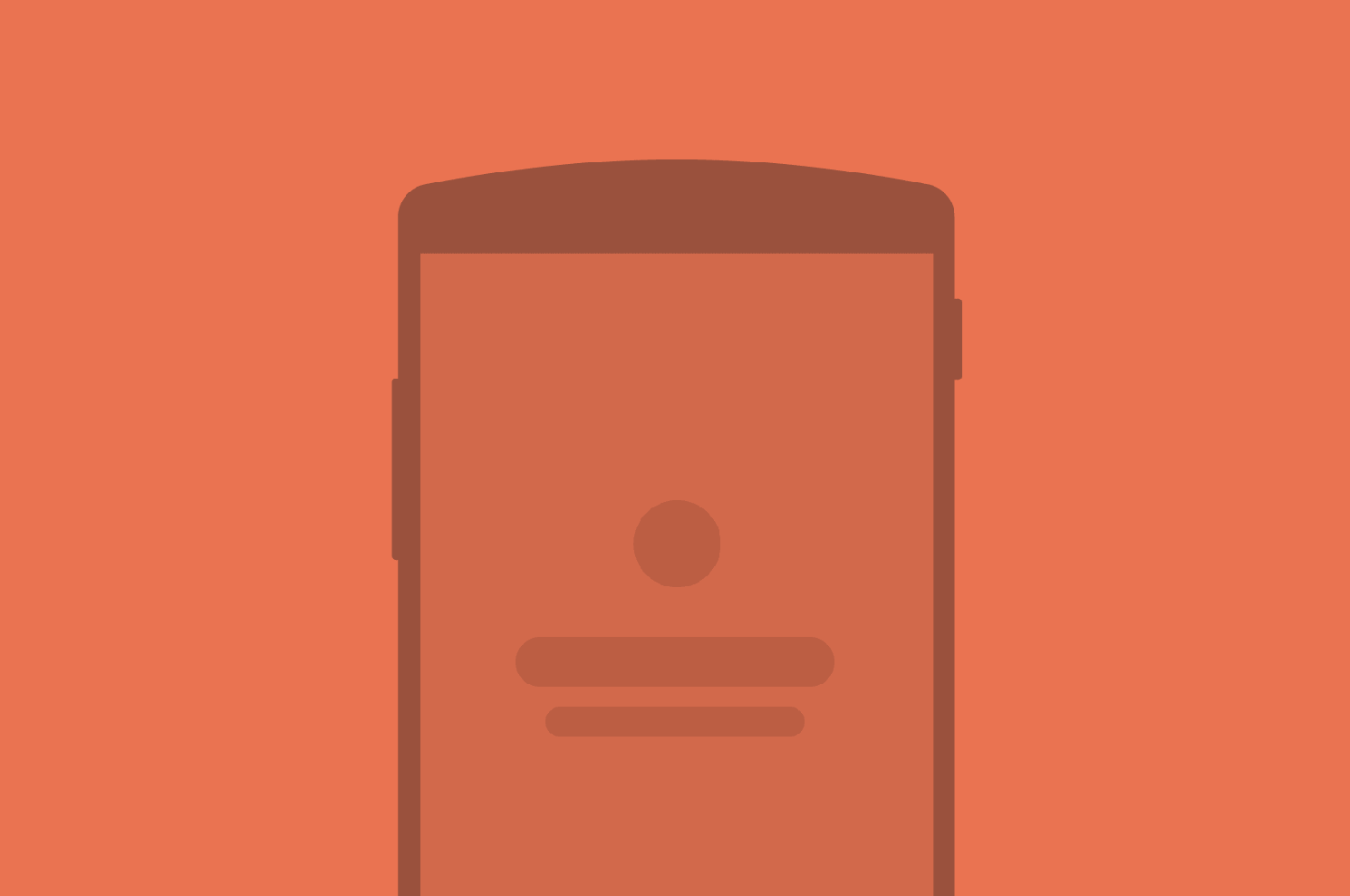
The launch screen (or splash screen if you prefer), is the first thing your user’s going to see. In other words, it is a user’s first experience of your application. In this post I’ll show you how to create a branded launch screen / splash screen for your Android apps.
This is where you must do your best to impress the user. Use some flashy graphics, vibrant imagery along with a neat logo. Not trying to be harsh, but if you slack off here, he’s probably not going to return.
(more…) -
Pinterest Masonry Layout (Staggered Grid)
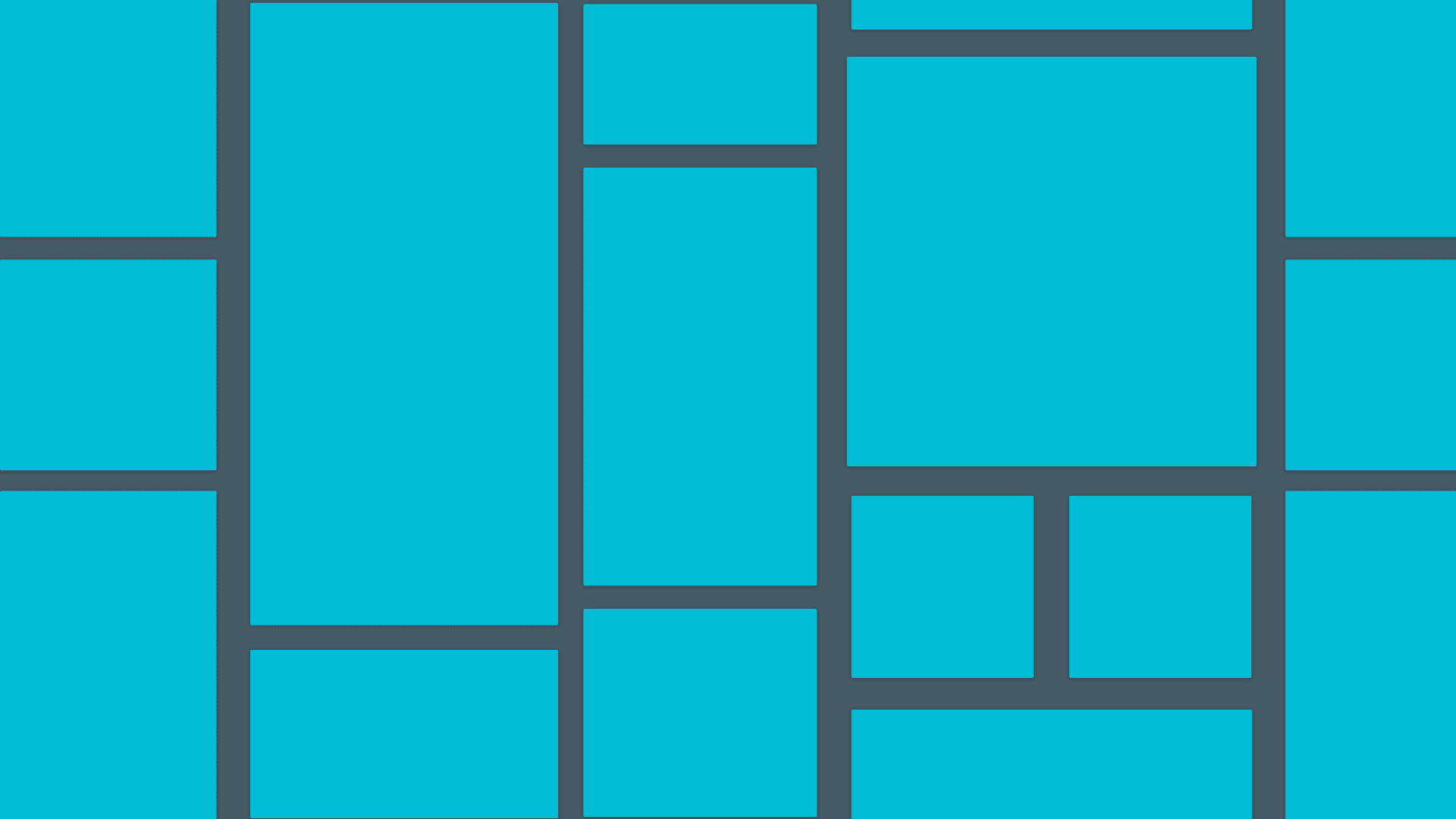
If you have used the Pinterest app or their website, you would have noticed a rather creative grid layout. That is a Masonry Layout.
It works by placing elements in optimal position based on available vertical space, sort of like a mason fitting stones in a wall.
-
Top 10 Material Design Libraries for Android
Material Design is all the rage now. Here are top 10 libraries you need to provide a complete Material Design experience across all apps, pre Lollipop as well.
These are in no order of priority.
-
Circular Reveal Effect like WhatsApp in Android
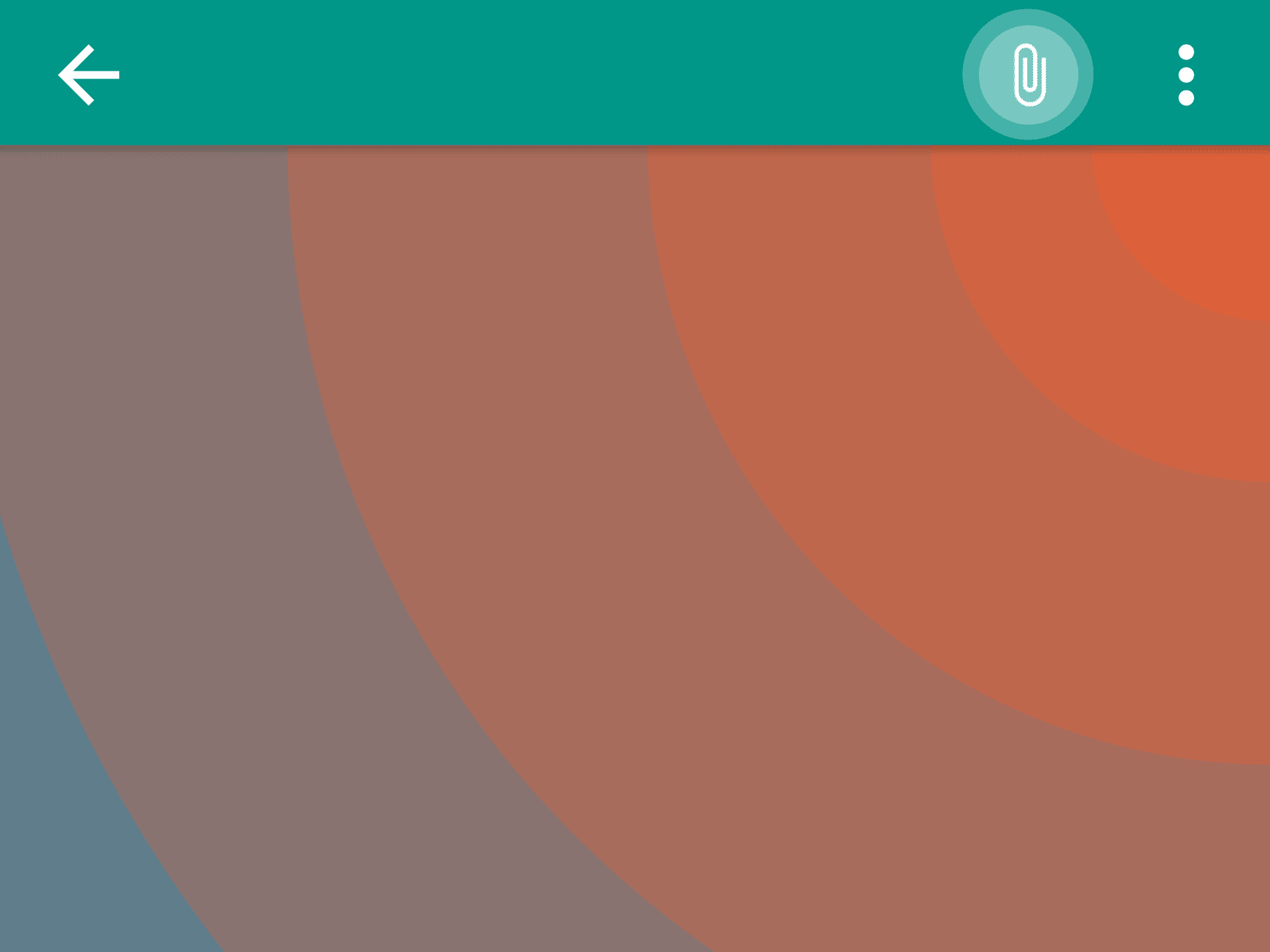
While sending a photo through WhatsApp, I noticed the ‘Attach’ button performs a neat Circular Reveal effect. My phone being JellyBean, I was surprised to see a Lollipop only transition. Thanks to a neat library, we can mimic the exact same thing for pre Lollipop too.
(more…) -
Design App Mockups with Adobe Illustrator & InVision
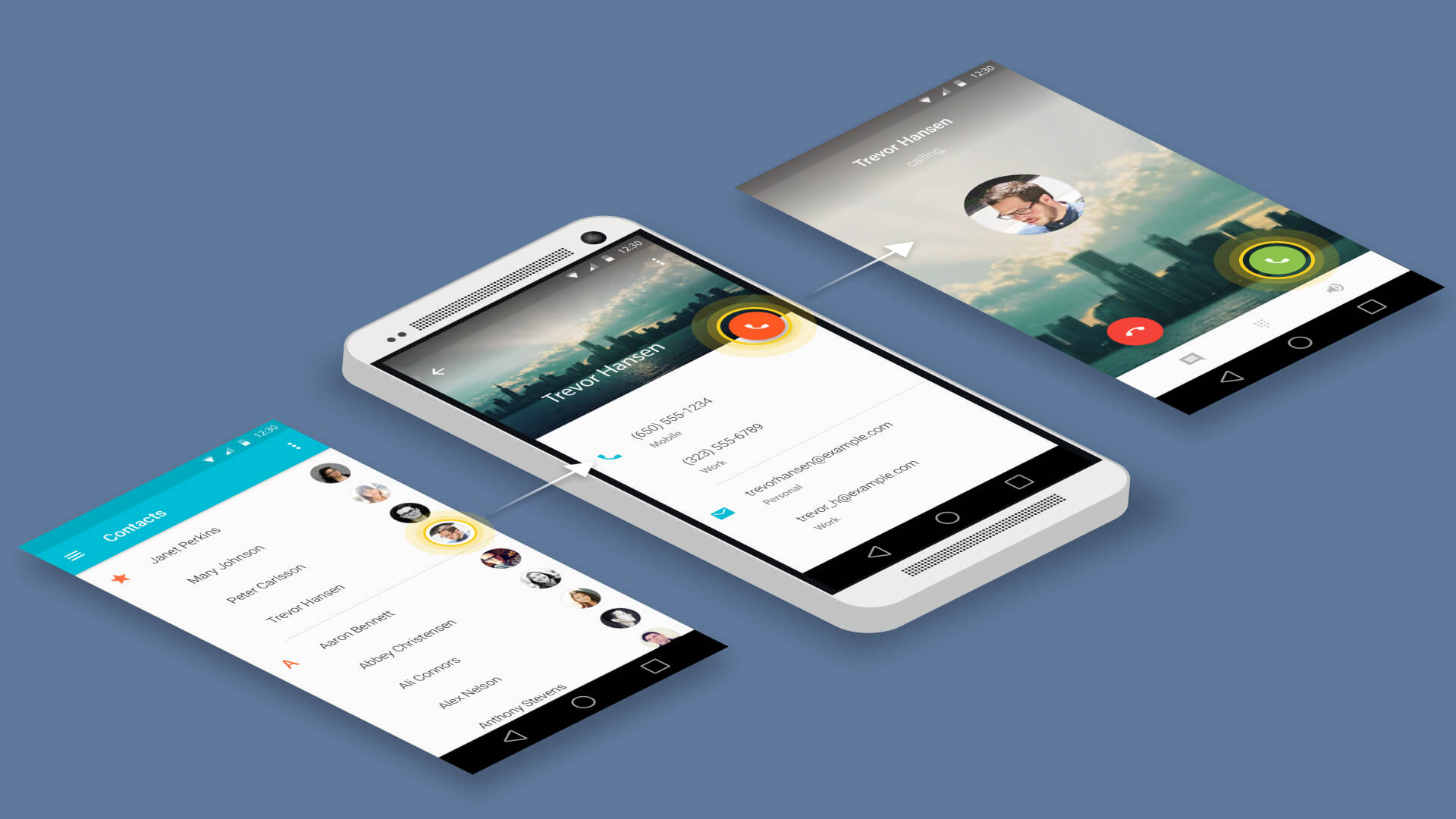
Designing app mockups allow us to quickly visualize how our app might ultimately look like. In this article tutorial, let’s learn how to do this really quick with Adobe Illustrator and InVision. I will also tell you the benefits of doing this and guide you every step of the way.
(more…) -
Material Design Android Ripple Effect
Here’s on how to add a neat Ripple effect for your UI components. I’ll take a button for this.